Setup your local environment
Verifying a credential using a callback URL requires an endpoint that can accept application/json content-type and is publicly available. For this tutorial we will setup a local environment using a simple Node.js framework (Express) and a hosted public request forwarder (Ngrok).
Prerequisites
You'll need a local development environment setup with:
-
Node.js 13+
-
NPM or Yarn
Setup Express
- Express is a web framework for Node.js. Install it using NPM or Yarn
yarn add express 2. Express makes use of its own modules (termedy middleware) to provide capabilities. We will use body-parser , so add it to your environment:
yarn add express body-parser
- Either clone the MATTR Sample apps repo or create a folder and add a file named
callback-express.jswith the following content:
'use strict'
const express = require('express')
const bodyParser = require('body-parser')
const app = express()

// Use body-parser middleware

app.use(bodyParser.json())

// Receive a POST request to /callback & print it out to the terminal

app.post('/callback', function (req, res) {
    const body = req.body
    console.log(body)
    res.sendStatus(200)
})

// listen on port 2000

app.listen(2000, function (err) {
    if (err) {
        throw err
    }
    console.log('Server started on port 2000')
})
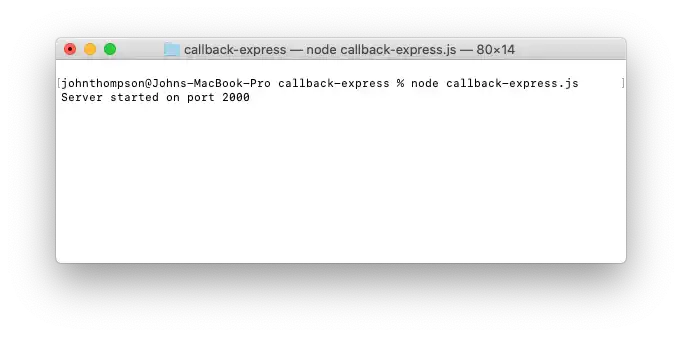
- Start the app in a terminal window to create a server listening for calls to
/callbackon the specified port.
node callback-express.js
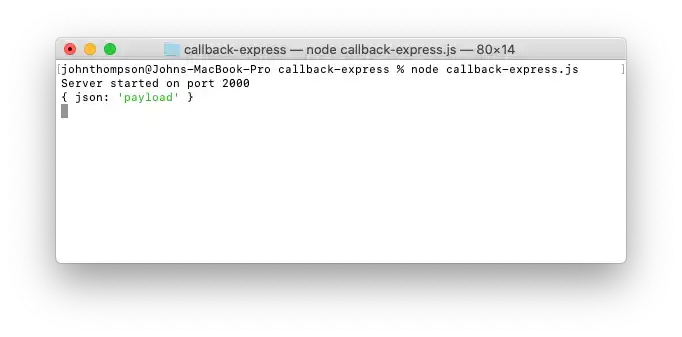
- Open a new termianl window and test your step by making the following POST request and checking that it is being returned:
curl --request POST \
  --url http://localhost:2000/callback \
  --header 'Content-Type: application/json' \
  --data '{
  "json": "payload"
}'
Set up Ngrok
Having a server running locally is fine for calls you generate, but Sovrin needs a publicly resolvable address to send the credential data to. A port forwarding service like Ngrok helps us out here.
Credential data is going to be sent to the external service, please ensure you understand the privacy policy of any 3rd party you decide to go with for the purpose of this tutorial.
- Sign up for Ngrok (it's free) and follow the instructions to retrieve a token and apply it to your environment.
- In a new terminal window, install and run Ngrok on the port defined in
callback-express.js
yarn global add ngrok

ngrok http 2000
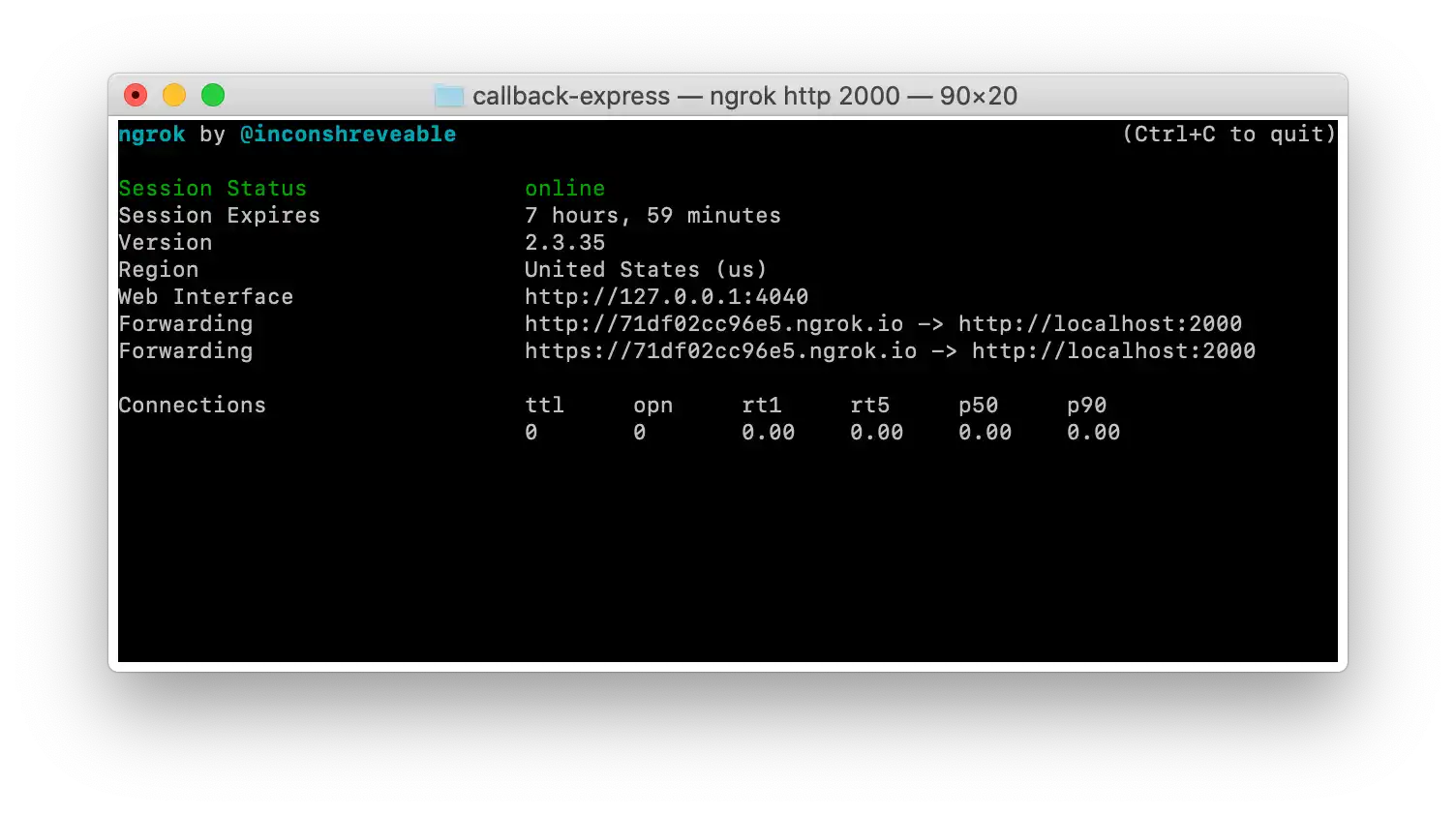
Every time you start an instance of Ngrok a new forwarding URL is generated that will last for eight hours. You will need to use the http version of the Forwarding URL.
- Test your public endpoint by making another but this time swap out
localhostwith your valid Ngrok domain, and for clarity update your payload as well:
curl --request POST \
  --url http://71df02cc96e5.ngrok.io/callback \
  --header 'Content-Type: application/json' \
  --data '{
  "ngrok": "routed"
}'
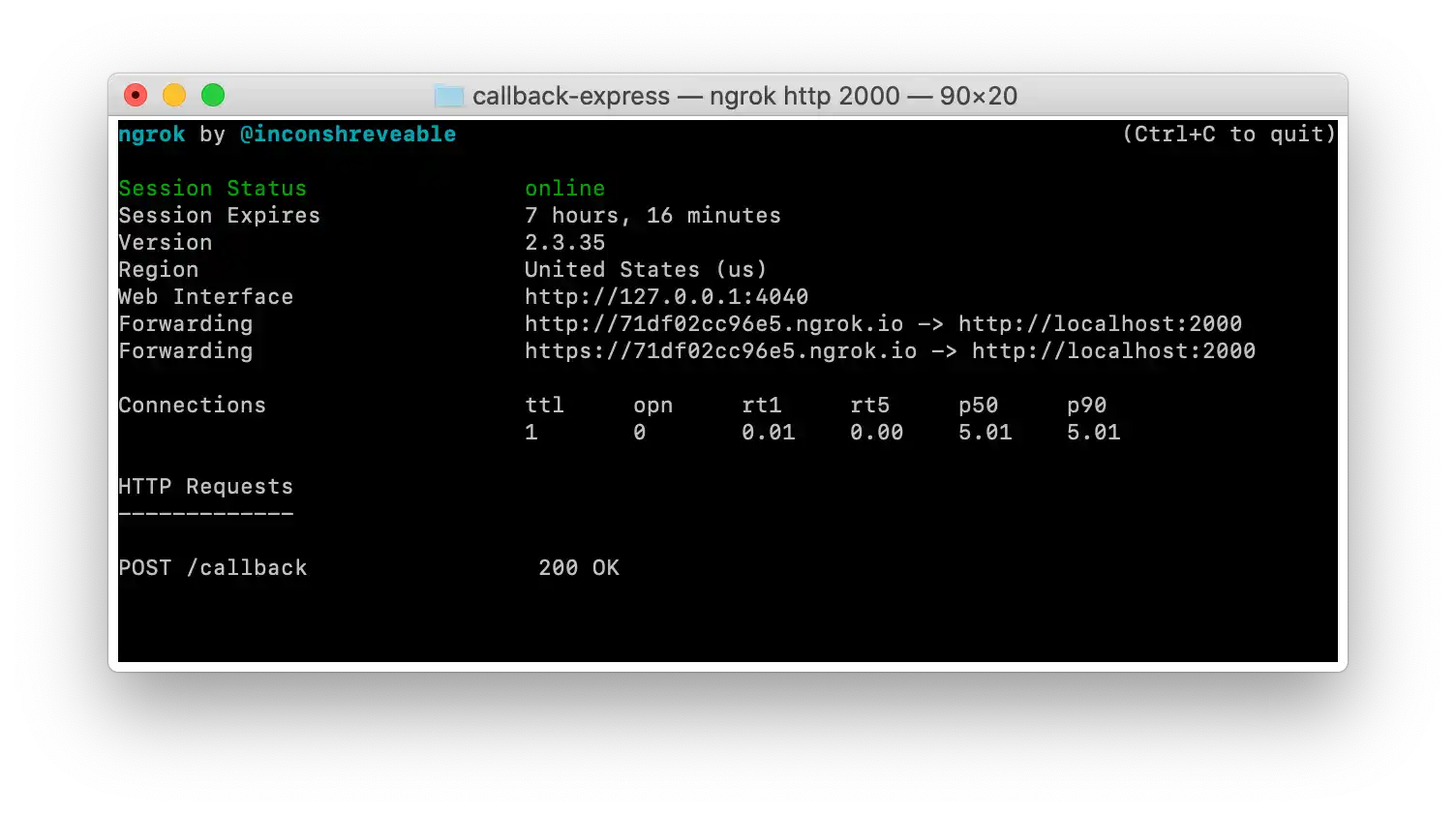
Your Ngrok window shows the routing:
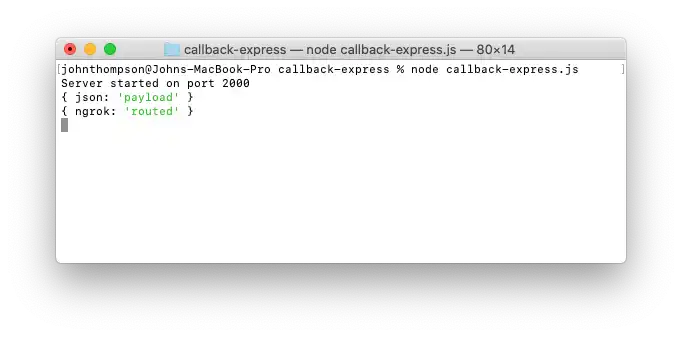
Your Express window shows the parsed payload:
What's next?
Now that your local environment is setup, you can continue to create a presentation request.