Wallet tab
The wallet tab displays all the credentials that are available in the wallet. Each credential is represented by a graphic element that resembles a real-life credential. The content and branding of this element are determined by the credential issuer.
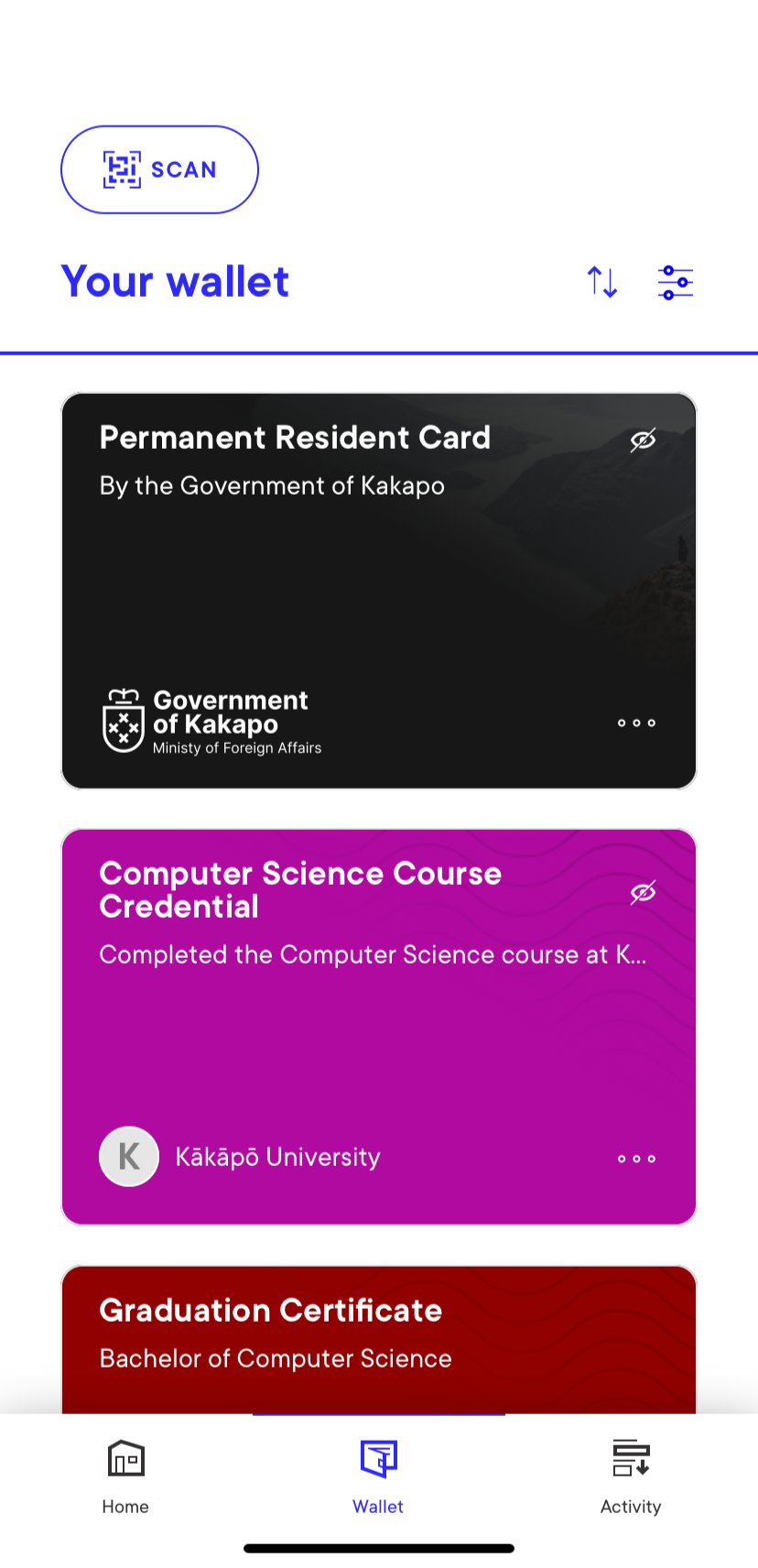
Viewing your credentials
Tapping any of the credentials provides a detailed view in a human-readable format.
Whenever a credential is tapped, a series of verification checks are performed:
-
Verifying the issuer domain.
-
Verifying the schema is available and that the credential structure complies with it.
-
Verifying the credential revocation status.
-
Verifying the credential proof to assure the credential has not been tampered with.
-
If all checks pass successfully, a green Valid label is shown on the top of the screen.
If the credential has been revoked, a red warning message is displayed. The credential may still be considered verified in all other regards.
Sorting and filtering your credentials
You can use the Sort button on the top-right corner to sort credentials by date added or expiry date.
You can use the Filter button on the top-right corner to filter the list so that expired credentials are not shown by checking the Hide Expired checkbox.
Deleting your credentials
Tap the three dots icon on any credential and select Delete credential to delete it.