Home tab
The home tab shows your most recent interactions with different Issuers and verifiers:
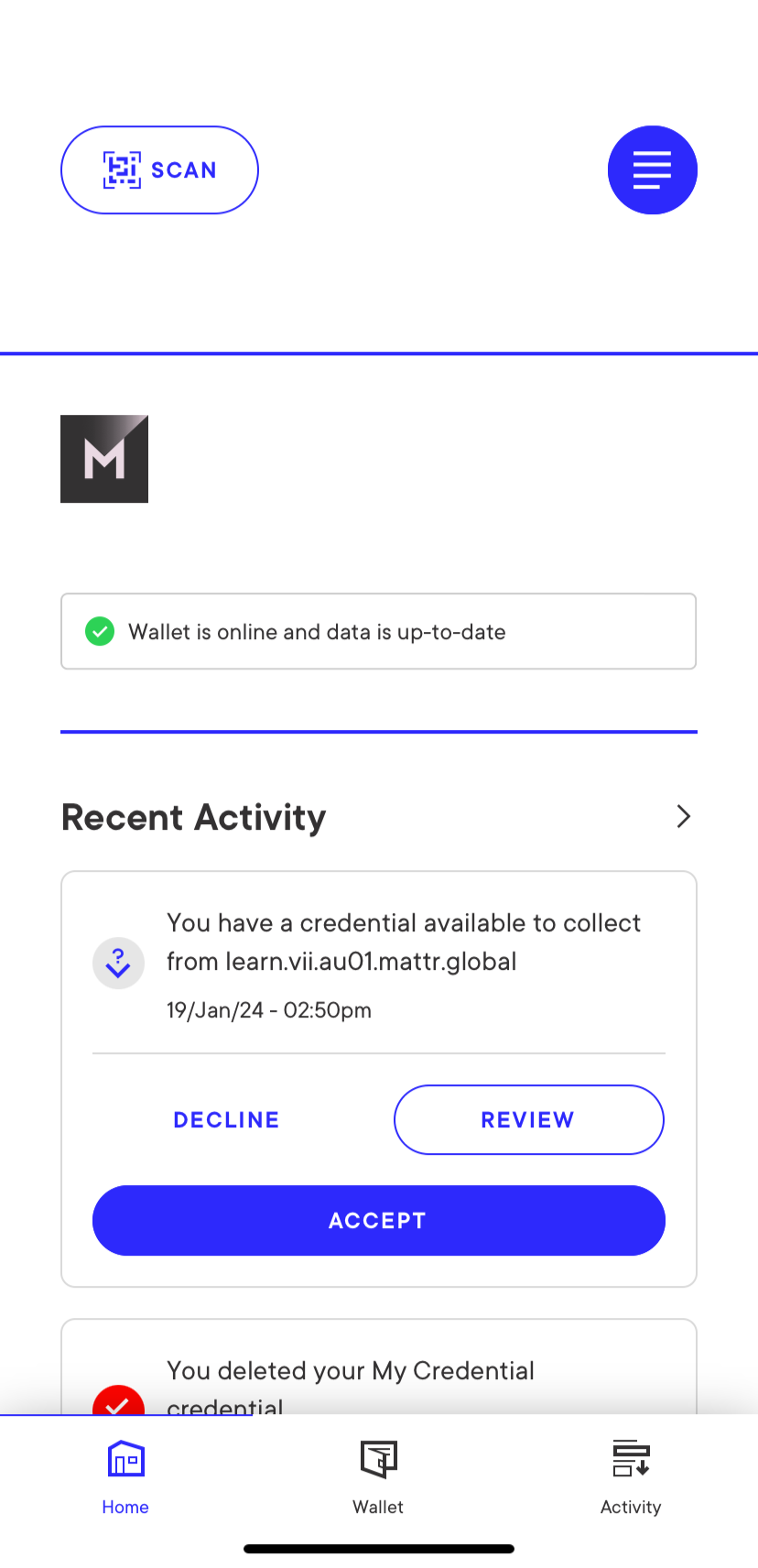
It also enables accessing the Settings menu by tapping the icon on the top-right corner. This menu enables the following functionalities:
-
General:
-
Notifications: Enables turning app notifications on/off.
-
Review onboarding: Displays the onboarding screens that are automatically displayed on the first app usage.
-
-
Security:
-
Use Face ID: Enables turning face ID on/off.
-
Change PIN: Enables changing your access PIN.
-
-
Information:
-
Privacy policy: Displays the MATTR Showcase Wallet privacy policy.
-
Terms of use: Displays the MATTR Showcase Wallet terms of use.
-
-
Advanced:
-
Cached contexts: Displays a list of cached contexts, and enables the holder to either download or clear them.
-
Public DID: Displays the holder's public DID. This DID is required to issue a credential that is bound to this digital wallet.
-
-
Account:
- Log out: Logs out of the wallet.