Activity tab
The activity tab shows your interactions with different Issuers and verifiers:
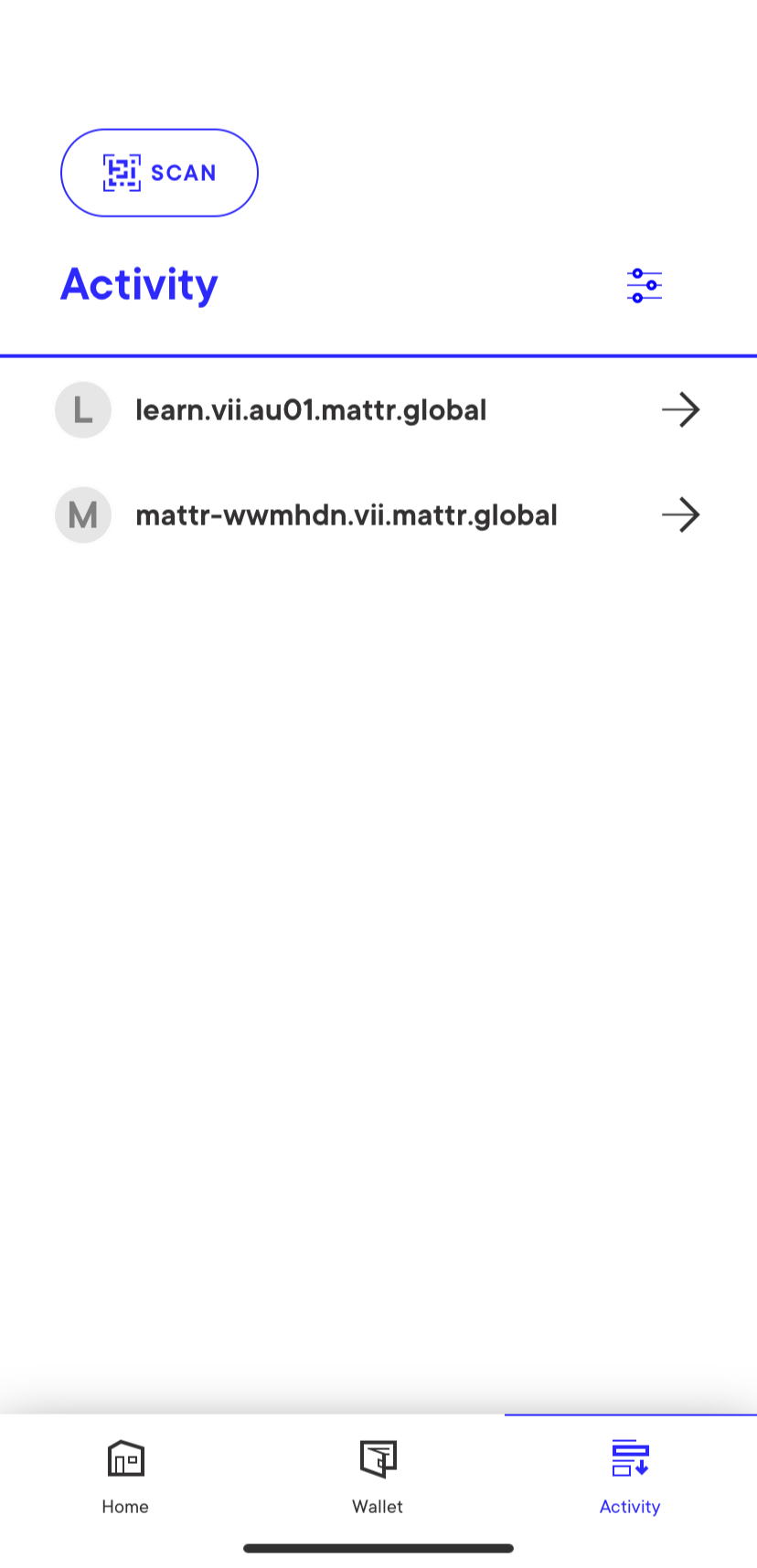
These interactions are created in one of two main ways:
-
The user scans a QR code or clicks a deep-link for a credential offer or a presentation request. This will create a new interaction based on the issuer's/verifier's domain.
-
The user receives a JWM message via Sovrin messaging capabilities. This will create a new interaction based on the sender's domain.
You can use the filtering button on the top-right corner to filter the list:
-
Use the options under View by to select how interactions are grouped:
-
All activity: All interactions will be displayed ungrouped, sorted by date with the most recent interactions on top.
-
Connection: Show interactions grouped by domain. Selecting a domain would show the interactions with it, sorted by date with the most recent interactions on top.
-
-
Use the checkbox under Actions to:
-
Only show items requiring action: When this option is checked, the wallet will only show interactions that you need to act upon, for example to accept a new credential or share an existing credential for verification.
-
Mark all as viewed: When this option is checked, all credentials are marked as viewed, even if the user hasn't opened them.
-
-
Select Apply to save your changes.